

Table of Contents
USDC is a US dollar stablecoin issued by Circle, redeemable 1:1 for dollars and backed by cash and short-dated US government obligations. It had about $75.2B in circulation on September 28, 2026 (DefiLlama). For online merchants, accepting it no longer requires running crypto infrastructure: Stripe now offers stablecoin payments as a standard payment method that settles in your Stripe balance in local currency (Stripe docs).
This guide walks through the current setup, based on Stripe’s own documentation, and covers fees, testing, webhooks, alternatives and US tax reporting.
Key Takeaways
- Stripe accepts USDC on Tempo, Ethereum, Solana, Polygon and Base, plus USDP and USDG for US businesses, and settles payments in your local currency (Stripe docs).
- Standard Stripe pricing for stablecoin payments is 1.5% of the transaction amount, including conversion to fiat, AML screening and gas sponsorship (Stripe pricing).
- Customer transactions are limited to $10,000 each, refunds go back as stablecoins, and there are no chargeback disputes (Stripe docs).
- US businesses in every state except New York can request access in the Stripe Dashboard (Stripe docs).
- The IRS treats digital assets, including stablecoins, as property, and brokers now report sales on Form 1099-DA (IRS).
Understanding USDC for E-Commerce Merchants
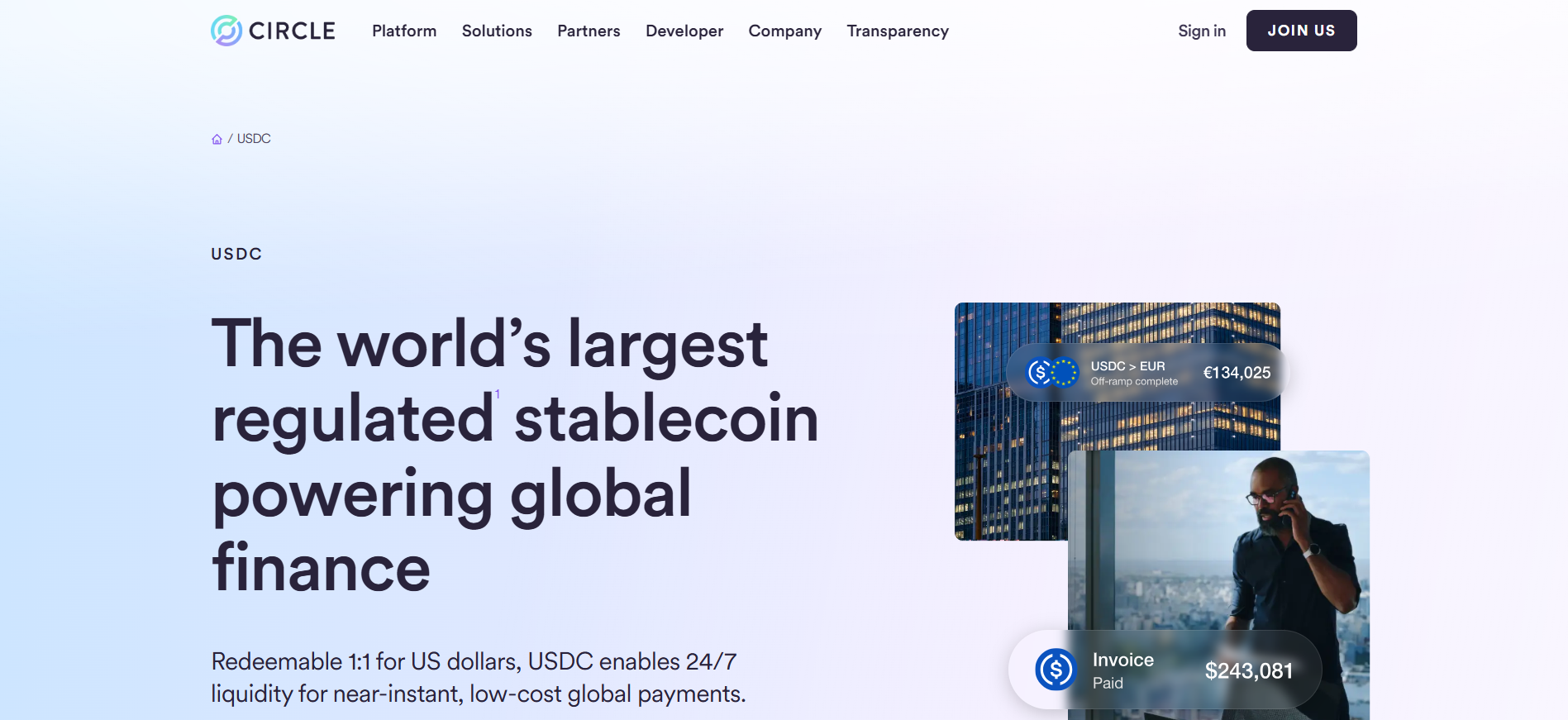
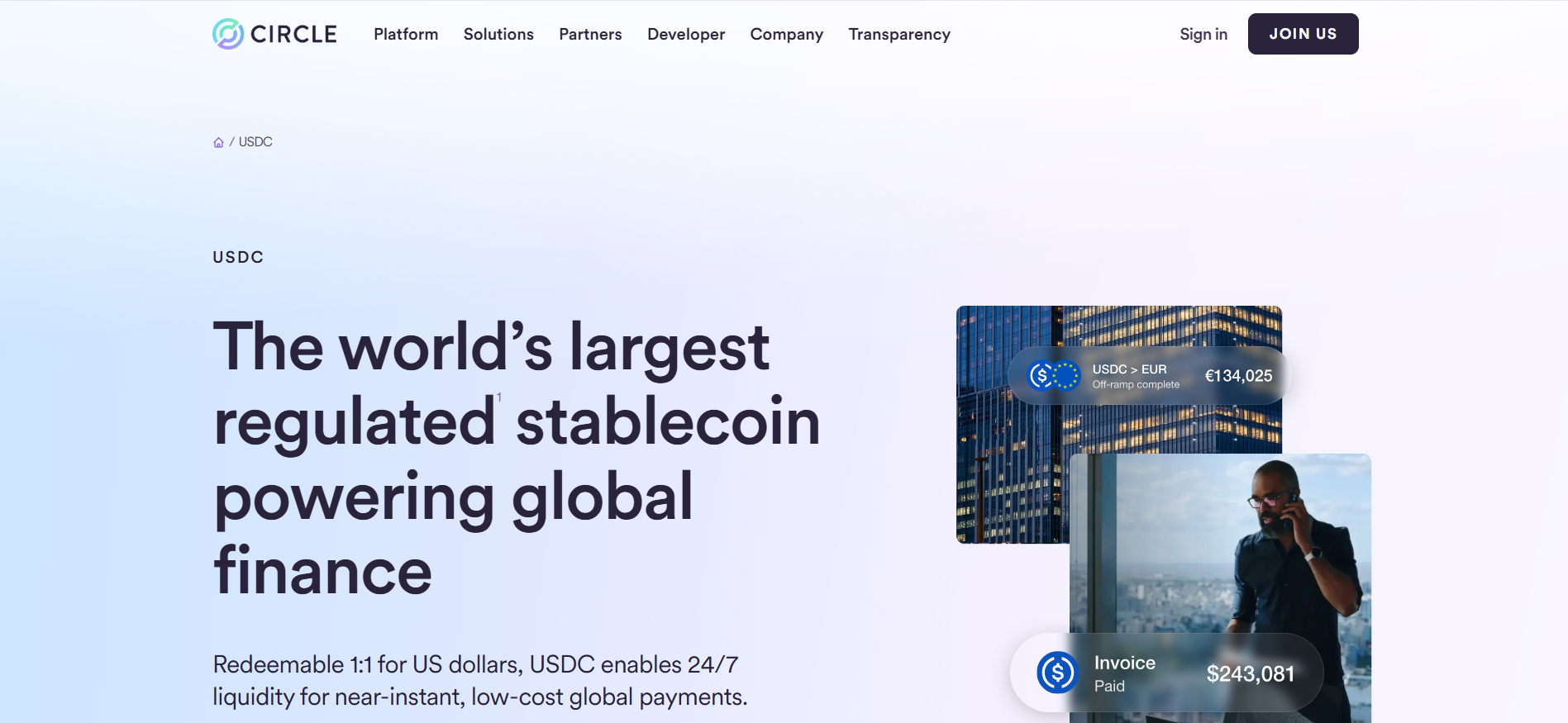
Circle holds USDC reserves in cash and short-dated US Treasury and repo positions, part of them in the Circle Reserve Fund, a 2a-7 money market fund managed by BlackRock. A Big Four accounting firm provides monthly third-party assurance that reserves exceed USDC in circulation (Circle).
USDC is native on many blockchains, and Circle’s Cross-Chain Transfer Protocol (CCTP) burns and mints it natively between supported chains (Circle). For a merchant using Stripe, the practical point is that customers can pay from the network they already use, while you receive local currency.

Benefits of Accepting USDC
- Lower fees than cards: 1.5% for stablecoin payments versus 2.9% plus 30 cents for domestic cards on Stripe’s standard pricing, and cards add 1.5% for international cards (Stripe pricing).
- No chargebacks: customers authenticate payments from their wallets, so stablecoin payments don’t produce disputes that pull funds back (Stripe docs).
- Global reach: stablecoin payments are available to customers globally, excluding sanctioned countries (Stripe docs).
- No crypto on your balance sheet: payments settle in your Stripe balance in local currency (Stripe docs).
For cross-border use cases beyond checkout, see our guide to paying overseas suppliers with stablecoins.
Risks and Limitations
- Transaction cap: customer payments are limited to $10,000 per transaction (Stripe docs).
- Refunds in stablecoins: refunds always return to the customer’s original wallet as stablecoins (Stripe docs).
- No manual capture: authorize-then-capture flows are not supported for this payment method (Stripe docs).
- Availability: US businesses in New York cannot currently use it (Stripe docs).
- Peg risk: USDC briefly lost its dollar peg in March 2023 when part of its reserves were held at Silicon Valley Bank, a reminder that stablecoins depend on their reserve banks.
Choosing Your Platform and Gateway
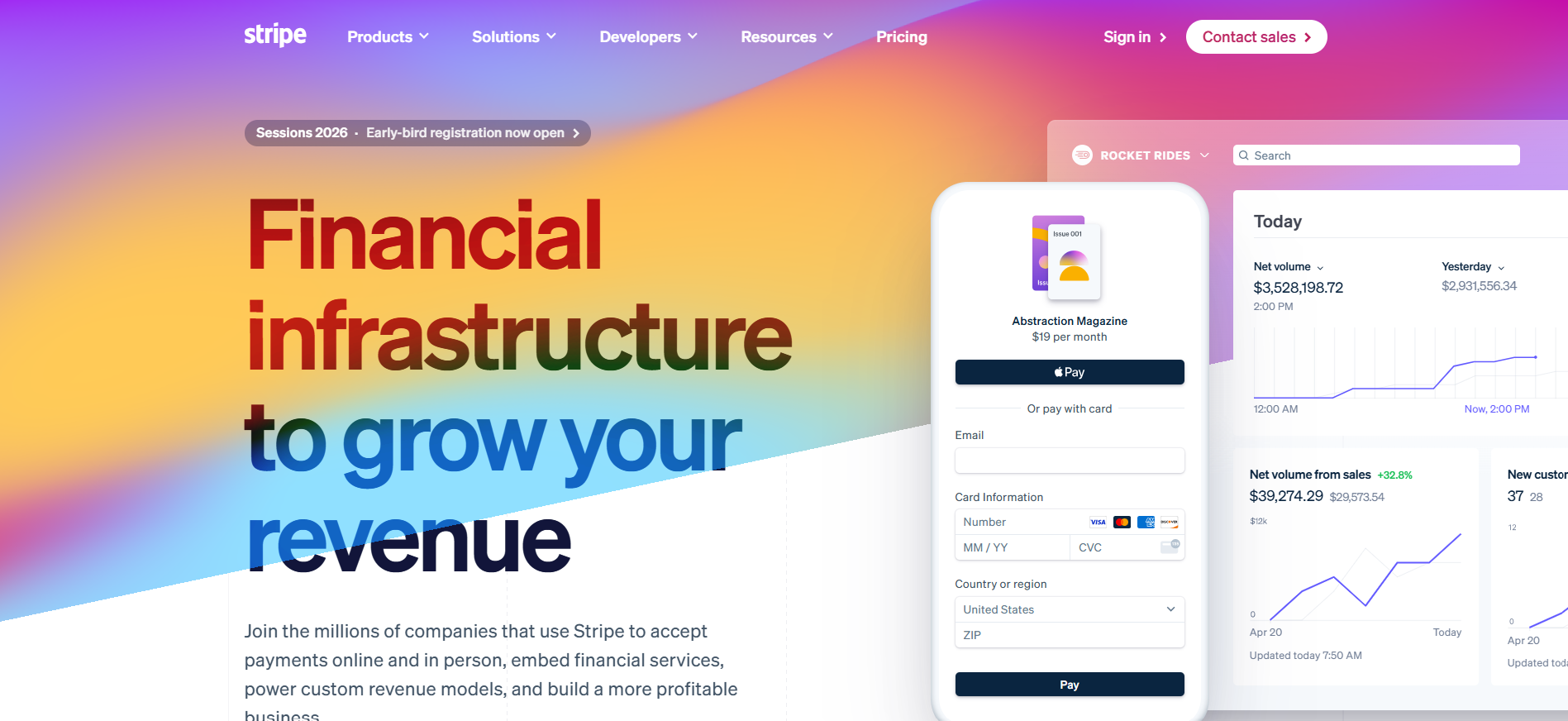
If your store uses Stripe Checkout, Payment Links, Elements or Invoicing, stablecoin payments can be switched on from the Dashboard without extra code (Stripe docs). Platforms that use Stripe as their processor can expose the option the same way; check your platform’s payment settings.
- Stripe: card-like integration, local currency settlement, 1.5% standard fee (Stripe pricing).
- Coinbase Business: crypto checkouts and payment links, with USDC held in the account earning 3.60% APY at the time of writing (Coinbase).
- NOWPayments and similar gateways: plugins for WooCommerce and other platforms with a wider range of coins (NOWPayments).
Step-by-Step Integration with Stripe
Step 1: Request stablecoin payments in the Dashboard
Set up your Stripe account, then go to Payment methods settings in the Dashboard and request the Stablecoins and Crypto payment method. It shows as Pending while Stripe reviews the request, and becomes active once approved (Stripe docs).
Step 2: Use dynamic payment methods (recommended)
If you use Stripe’s default dynamic payment methods with Payment Links, Hosted Checkout, Embedded Checkout or Elements, no code changes are needed: Stripe automatically shows stablecoin options to eligible customers (Stripe docs).
Step 3: Custom integrations
For a custom Checkout Session, enable crypto in the Dashboard and make sure all line items are priced in USD. If you currently hard-code payment_method_types, follow Stripe’s migration guide to dynamic payment methods (Stripe docs). You price in dollars, not in USDC units; the customer is redirected to crypto.stripe.com to choose a stablecoin, network and wallet, then returned to your site (Stripe docs).
Handling Webhooks and Confirmations
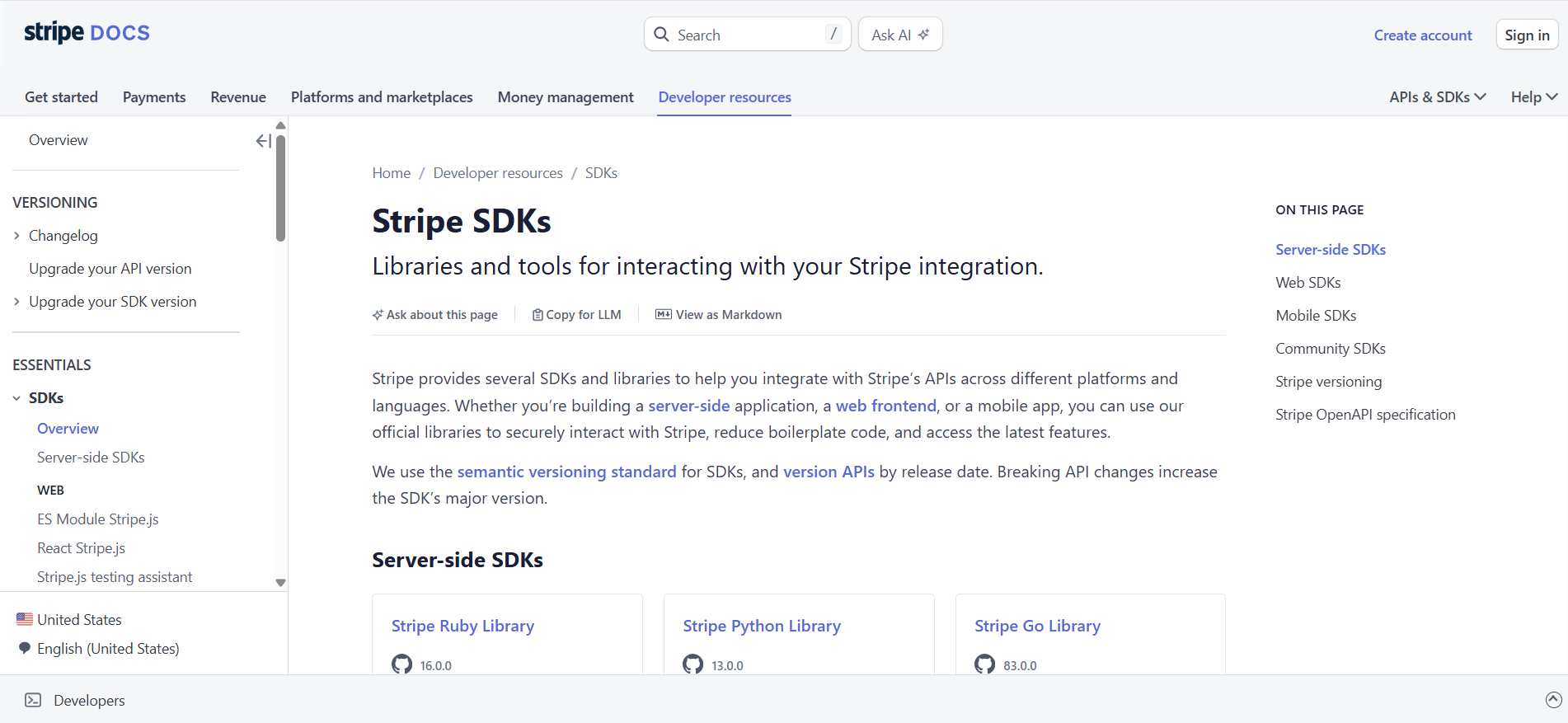
Register a webhook endpoint on your server in the Stripe Dashboard and listen for events such as checkout.session.completed and payment_intent.succeeded to mark orders paid. Always verify the Stripe signature on each event (Stripe docs).
Example in Node.js: const event = stripe.webhooks.constructEvent(req.body, sig, secret); if (event.type === "payment_intent.succeeded") { markOrderPaid(event.data.object.id); }
Use the Stripe CLI to forward events to your local machine while testing (Stripe docs).
Testing in a sandbox
- Create a transaction with your test keys and open its redirect URL (Stripe docs).
- Stripe recommends MetaMask, the Polygon Amoy testnet and the Circle faucet for testnet USDC; you also need a little testnet POL for gas (Stripe docs).
- Connect the wallet, complete the payment and confirm you are redirected back and your webhook fires.
Multi-chain support
You don’t configure networks yourself on Stripe. Customers choose among the supported networks at checkout: USDC on Tempo, Ethereum, Solana, Polygon and Base, USDP on Ethereum and Solana, and USDG on Ethereum (Stripe docs). Payout timing varies by network.

Tax Considerations (US)
The IRS treats digital assets as property, not currency (IRS). A merchant paid in stablecoins generally recognizes income at the fair market value when received; if Stripe settles to you in dollars, your records will largely look like other card or bank receipts, but keep the transaction reports.
Brokers now report digital asset sales on Form 1099-DA. For qualifying stablecoins, brokers using the optional method don’t have to report a customer’s designated sales if aggregate gross proceeds with that broker are $10,000 or less for the year (IRS). Tax rules change, so confirm your treatment with a qualified tax adviser. See our stablecoin tax guide for background.
Security and Best Practices
- Keep secret keys server-side and use restricted keys where possible.
- Verify webhook signatures on every event (Stripe docs).
- If you hold USDC directly rather than settling to fiat, use a multi-signature or institutional custody wallet.
- Screen counterparties if you accept payments outside Stripe, which already runs wallet and AML screening (Stripe pricing).
- Reconcile Stripe payouts against order records regularly.
Going beyond checkout: Circle Mint
Businesses that want to hold, mint or redeem USDC directly, rather than settle to fiat through Stripe, can apply for a Circle Mint account, which offers 1:1 minting and redemption for institutions (Circle).

Conclusion
Accepting USDC in 2026 is mostly a Dashboard setting. Request the Stablecoins and Crypto payment method, keep dynamic payment methods on, price in dollars, and listen for payment webhooks. At 1.5% on Stripe’s standard pricing (Stripe pricing), with no chargebacks and local-currency settlement, it is a practical add-on for merchants selling to crypto-native or international customers.
Read Next:
- How to Transfer Stablecoins Across Blockchains
- How to Use Stablecoins to Pay Overseas Suppliers
- Bank-Issued Stablecoins: Complete List for 2026
FAQs:
1. What is the easiest way to accept USDC in an online store?
If your store already uses Stripe Checkout, Payment Links or Elements with dynamic payment methods, request the Stablecoins and Crypto payment method in the Dashboard; once approved, it appears automatically (Stripe docs).
2. How does Stripe handle USDC conversions?
Payments settle in your Stripe balance in your local currency, and conversion to fiat is included in the fee (Stripe pricing).
3. Are there tax implications when accepting USDC?
Yes. The IRS treats digital assets as property (IRS), so keep records of every payment and consult a tax adviser.
4. Which networks does Stripe support for USDC?
Tempo, Ethereum, Solana, Polygon and Base (Stripe docs).
5. How can I test without real funds?
Use a Stripe sandbox with test keys, testnet USDC from the Circle faucet on Polygon Amoy, and a MetaMask wallet (Stripe docs).
6. How do fees compare with cards?
Stablecoin payments cost 1.5% on Stripe’s standard pricing versus 2.9% plus 30 cents for domestic cards (Stripe pricing).
7. Do I need a crypto wallet to accept USDC through Stripe?
No. Customers use their own wallets, and you receive local currency in your Stripe balance (Stripe docs).






)